Thenema Writer
Panel Manuals
Step-by-step guides for every panel in the Thenema Writer creative suite. Select a panel to open its manual.
Mind Map
Visually brainstorm characters, worlds, and story ideas using an interactive node canvas.
Open manual →
Screenplay Skeletons
Choose a story structure preset and build your narrative framework before you write a word.
Open manual →
Synopsis
Write a focused story overview and send it to Beat Sheet, Writers Room, or Script Editor.
Open manual →
Treatment
Expand your story act by act or episode by episode into a detailed narrative outline.
Open manual →
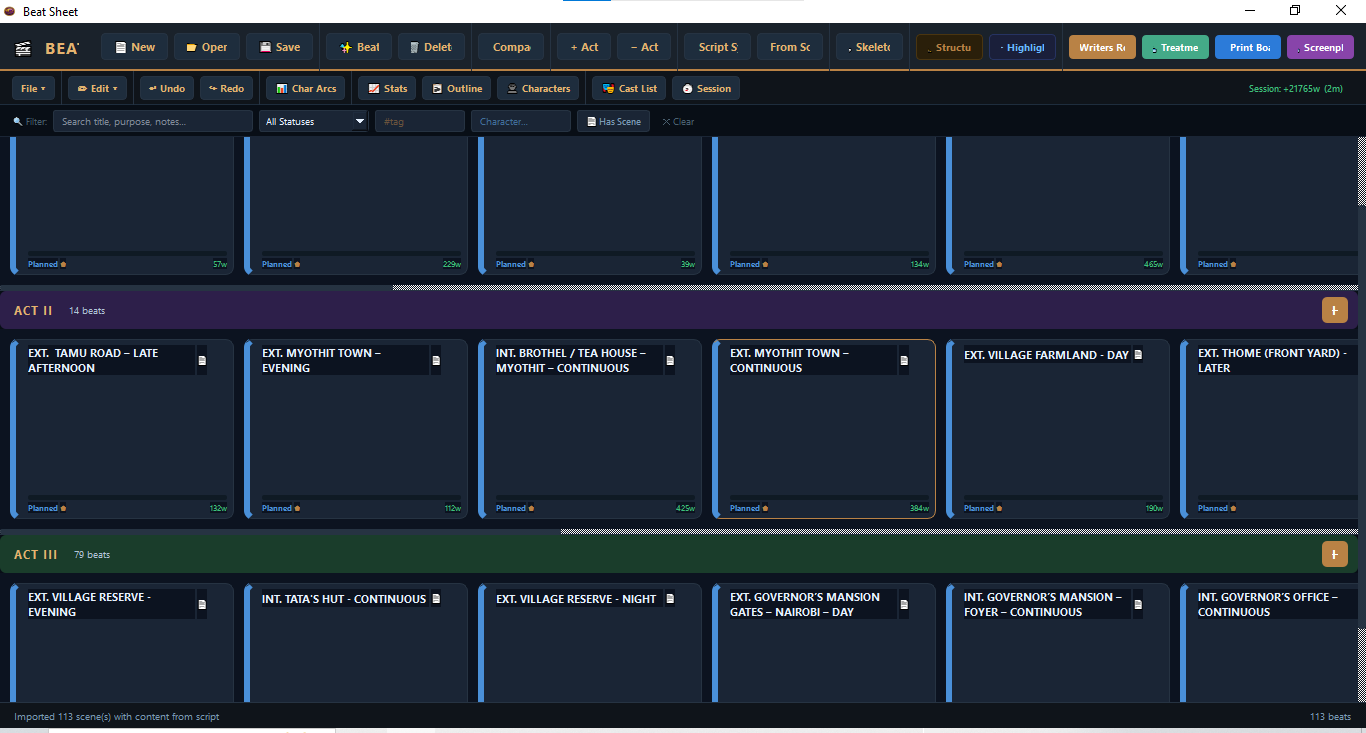
Beat Sheet
Build and rearrange dramatic beats on a visual kanban board, with scene documents and character tracking.
Open manual →
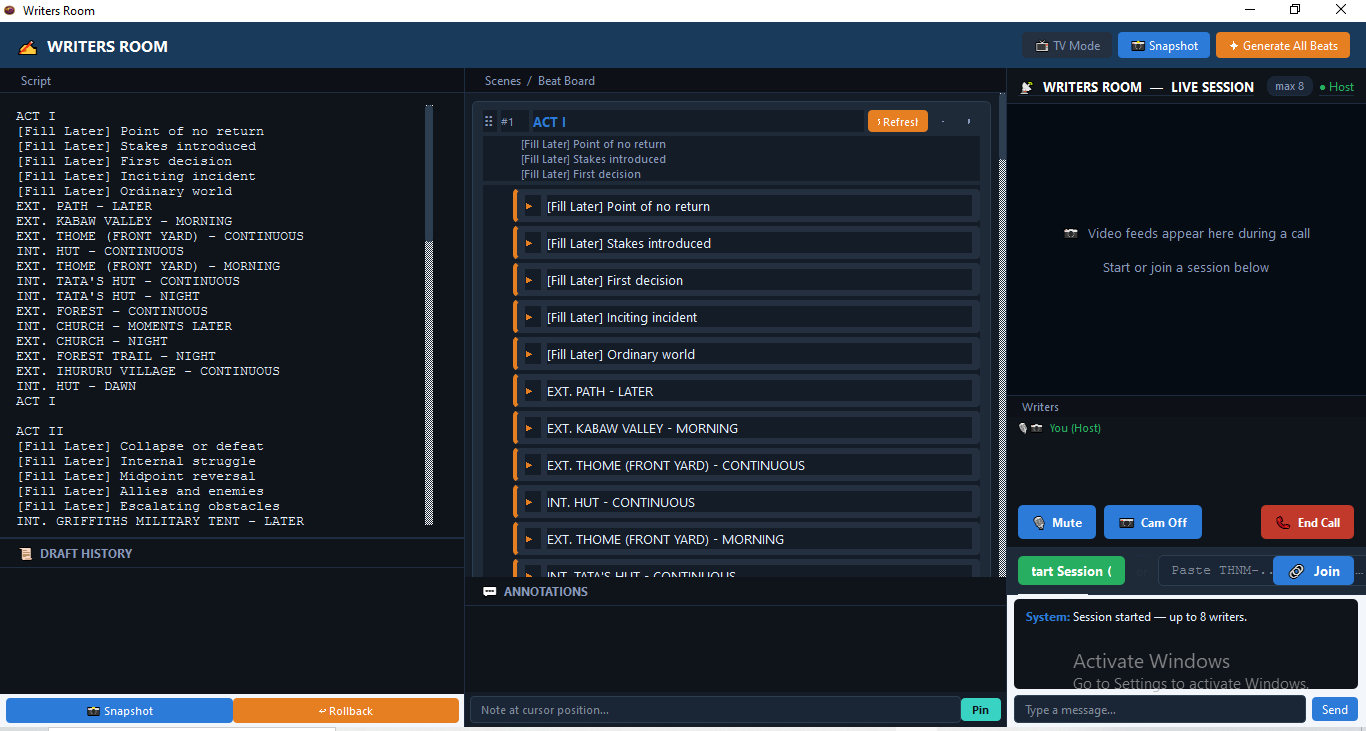
Writers Room
Collaborate in real time with scene cards, annotations, draft history, and live peer-to-peer sessions.
Open manual →
Script Editor
A full page-layout screenplay editor with auto-formatting, revision mode, and scene navigation.
Open manual →
Pre-Production
Break down your script, schedule shoot days, manage departments, budgets, call sheets, and storyboards.
Open manual →
Art Department
Eleven tracking sections — Locations, Props, Set Construction, VFX, SFX, and more — with readiness metrics and export.
Open manual →
Budget
23-department line-item budget with 40+ currencies, auto-calculated Insurance, Contingency and VAT, and three export formats.
Open manual →
Storyboarder
19-column shot list, drawing canvas, Character Bible, AI shot generation, and AI image generation — one token per panel.
Open manual →
Thenema Editor
How the AI analysis assistant works across Treatment, Beat Sheet, Script Editor, and Pre-Production — plus token guide.
Open guide →